¶ My Pyxis
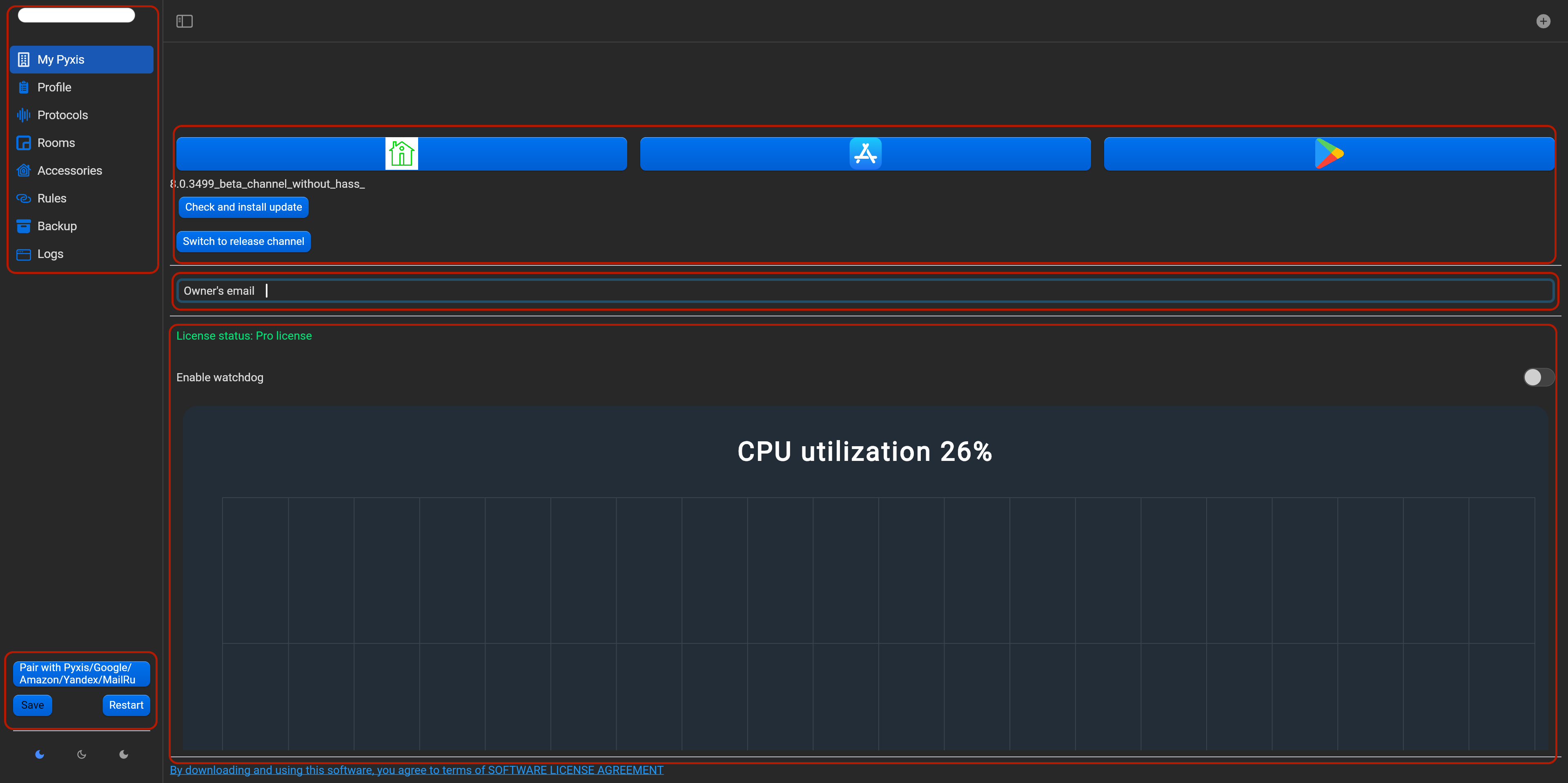
The Home page contains:
- main menu (HWID and main sections) - left-top,
- save, restart and pair buttons - left-bottom,
- theme switch (dark, light and auto) - bottom-left corner,
- service section (software version, “check and install update” button, “release and beta version” button, Pyxis app links, owners's email for account registering, license status, CPU utilization, memory usage, disk info and software license agreement) - center.
¶ Profile
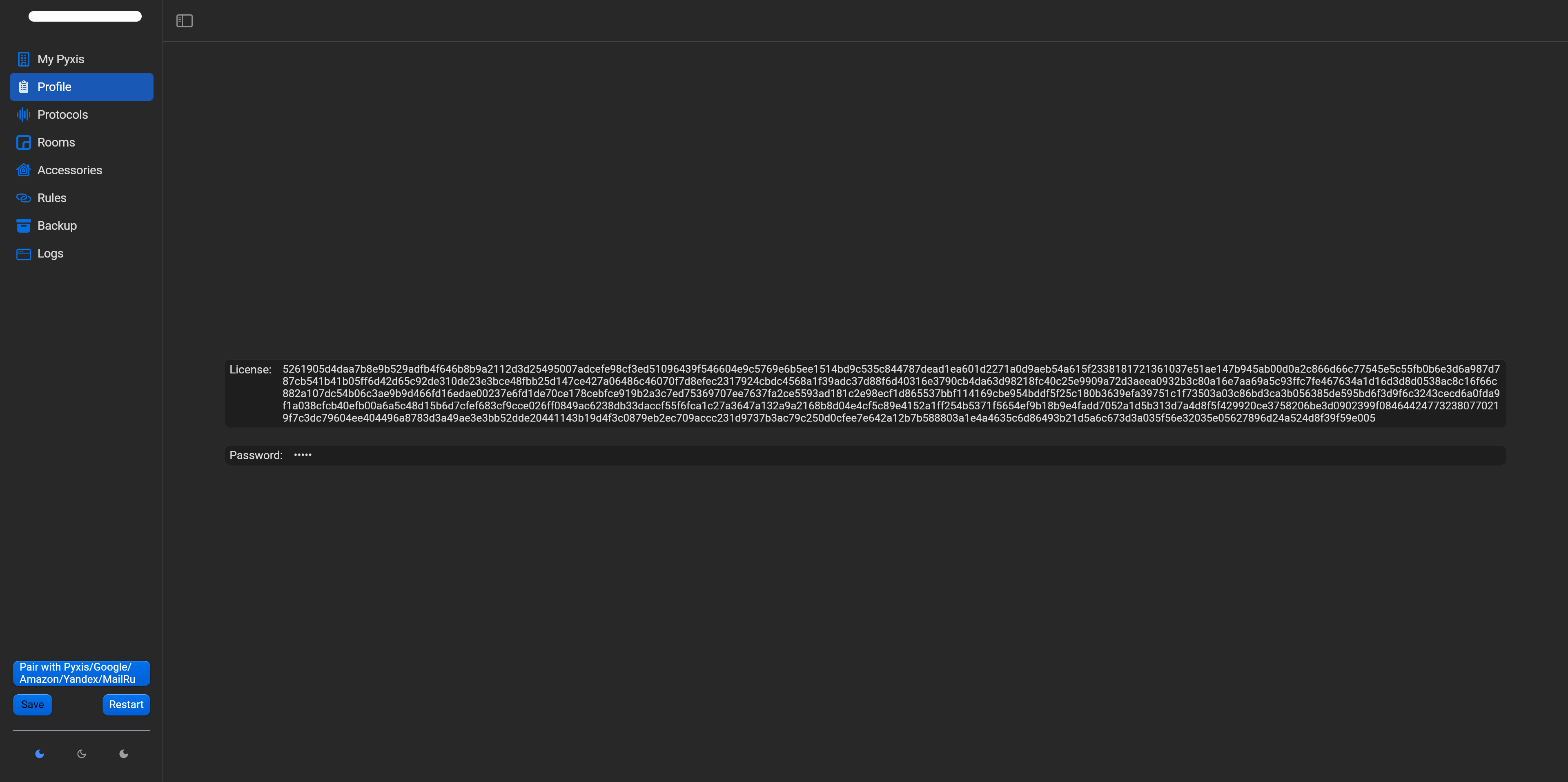
In this section you will find:
- license key area. There are two license types : free (you can use Pyxis without license key with all features. There is only one limitation - quantity of accessories. In this mode you can control only any 5 accessories (e.g. one relay channel, one dimmer channel, one curtain channel, one thermostat and one humidity sensor) and pro - this version allow to use Pyxis without limitations. Price depends of chosen protocols and you can use several devices of different protocols in the same project.
- password area. In this area you can edit password for enter in web interface. We strongly recommend to change default password. This password use for voice assistants integration (besides Apple Homekit)
¶ Protocols
In this sections you can choose operation protocols, edit and save protocols settings, reset all paired (Apple Homekit and Zigbee), reset config.
¶ Home Assistant
You can enable/disable this option for integration Home Assistant and Pyxis devices. Put Home Assistant IP address and long-lived token. Find here more details.

¶ Apple Homekit
You can enable/disable this option, edit name of Homekit bridge, edit Homekit port, Homekit pin, advertiser type (CIAO, Bonjur, Avahi) and QR for adding in Homekit or unpair of Homekit.

¶ Zigbee
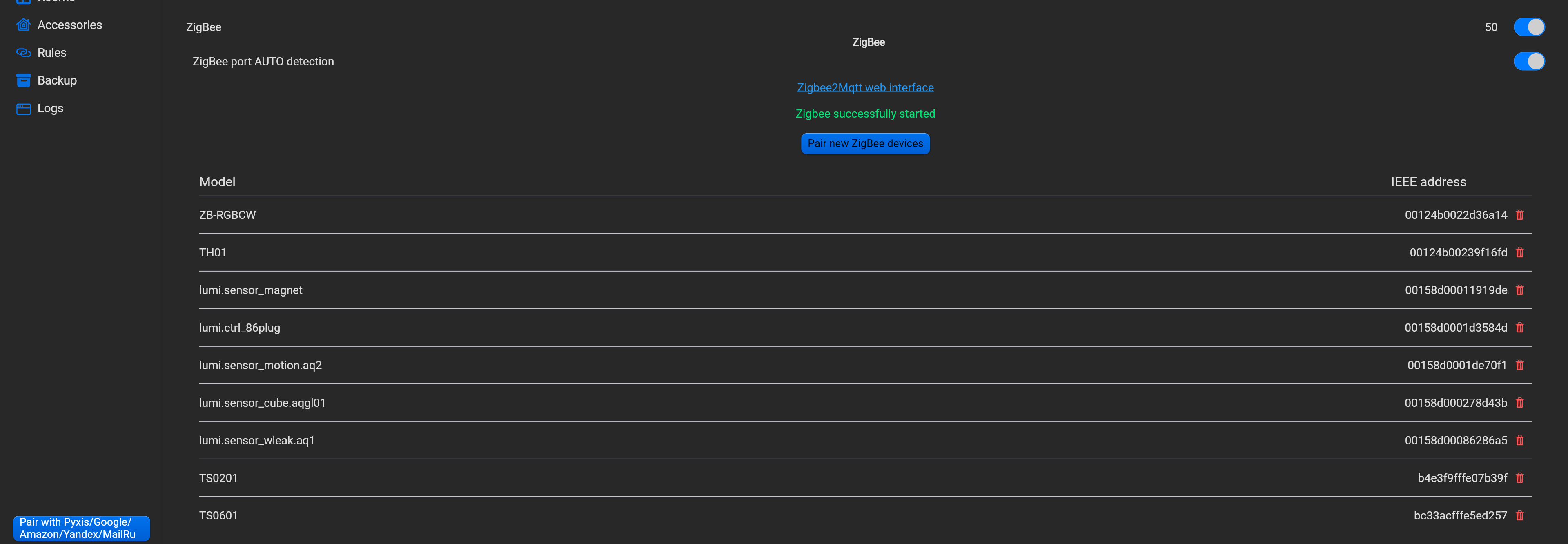
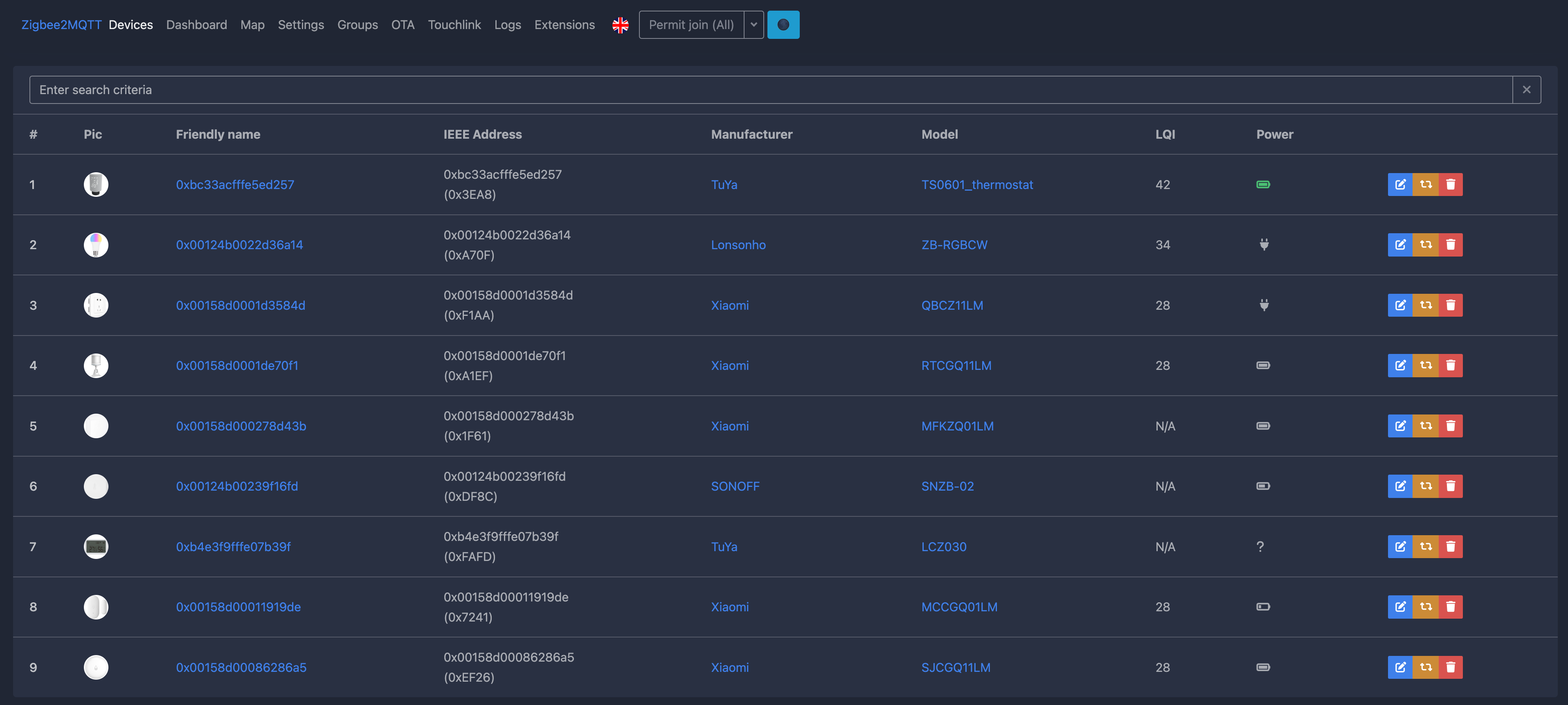
Zigbee integration is embedded zigbee2mqtt solution. You can enable/disable this option, enable/disable auto detection of zigbee port, proceed in zigbee2mqtt web interface, zigbee driver status, activate zigbee device pairing, find list of paired zigbee devices. In zigbeee2mqtt web interface, you can to customize zigbee devices, more precisely.
¶ KNX
You can enable/disable this option, edit connection type (router, tunnel, usb), edit KNX port, edit IP address for tunneling mode or use multicast (224.0.23.12), import knxproj file in Pyxis.

¶ Loxone
You can enable/disable this option, edit IP address of Loxone miniserver, put login and password of Loxone miniserver for connecting.

¶ HDL Buspro/G4/TIS
You can enable/disable this option, edit connection type (serial port or UDP).

¶ Modbus
You can enable/disable this option, edit Modbus mode (Slave, Master, Master and Slave), edit connection type (TCP/IP, Serial port, TCP/IP and serial). For creating TCP/IP integration, you need to create connection, by adding and editing TCP/IP gateway.

¶ MQTT
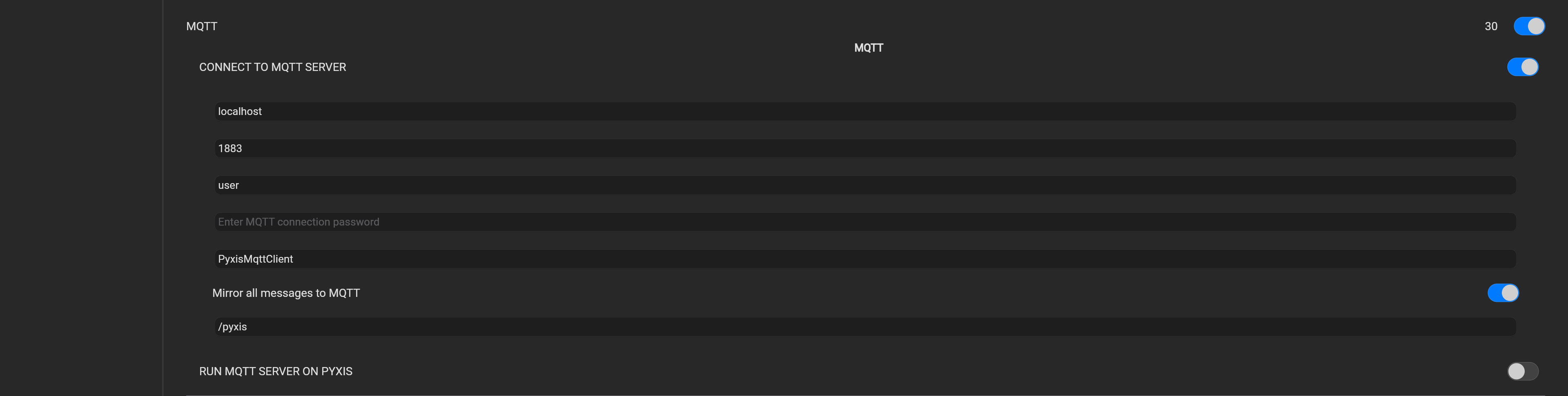
Pyxis allow to create internal MQTT server or connects to external MQTT server.
for external MQTT server set:
- MQTT server address,
- MQTT server port,
- MQTT connection login and password,
- MQTT client ID.
for internal MQTT server set:
- MQTT serber port,
- MQTT server login and password.
¶ MegaD
You can enable/disable this option for control MegaD devices. You need to add MegaD controller's settings - IP address and controller password.

¶ GPIO
This option valid only if you deploy Pyxis on JetHome controller. JetHome controller has GPIO ports - inputs and outputs.

¶ OneWire
This option valid only if you deploy Pyxis on JetHome controller. JetHome controller has OneWire port.
¶ RS485Curtain
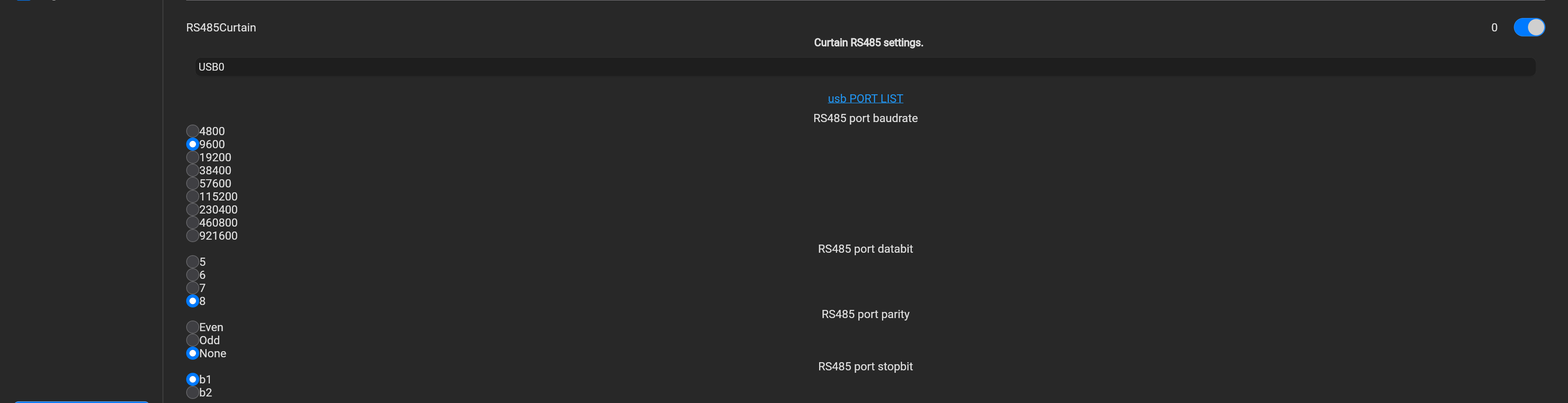
You can enable/disable this option, edit RS485 settings - port buadrate (4800, 9600, 19200, 38400, 57600, 115200, 230400, 460800, 921600), port databit (5,6,7,8), port parity (even, odd, none), port stopbit (b1, b2).
¶ Speech Recognition
This option enable/disable integration with Google Assistant, Amazon Alexa, Yandex Alice, Marusia voice assistants.

¶ Rooms
This section allow to add, edit, delete, customize name of rooms. Rooms, created in this item will appears in Google Home app, Amazon Alexa app, Yandex Alice app, Marusia app and Pyxis app. You can bind accessories in created rooms.
In Apple Home app, this rooms will not appears, but you can synchronize via Pyxis app. Find here more details.

¶ Accessories
This section allow to add, edit, delete, customize name of accessories. Find here more details.

¶ Rules
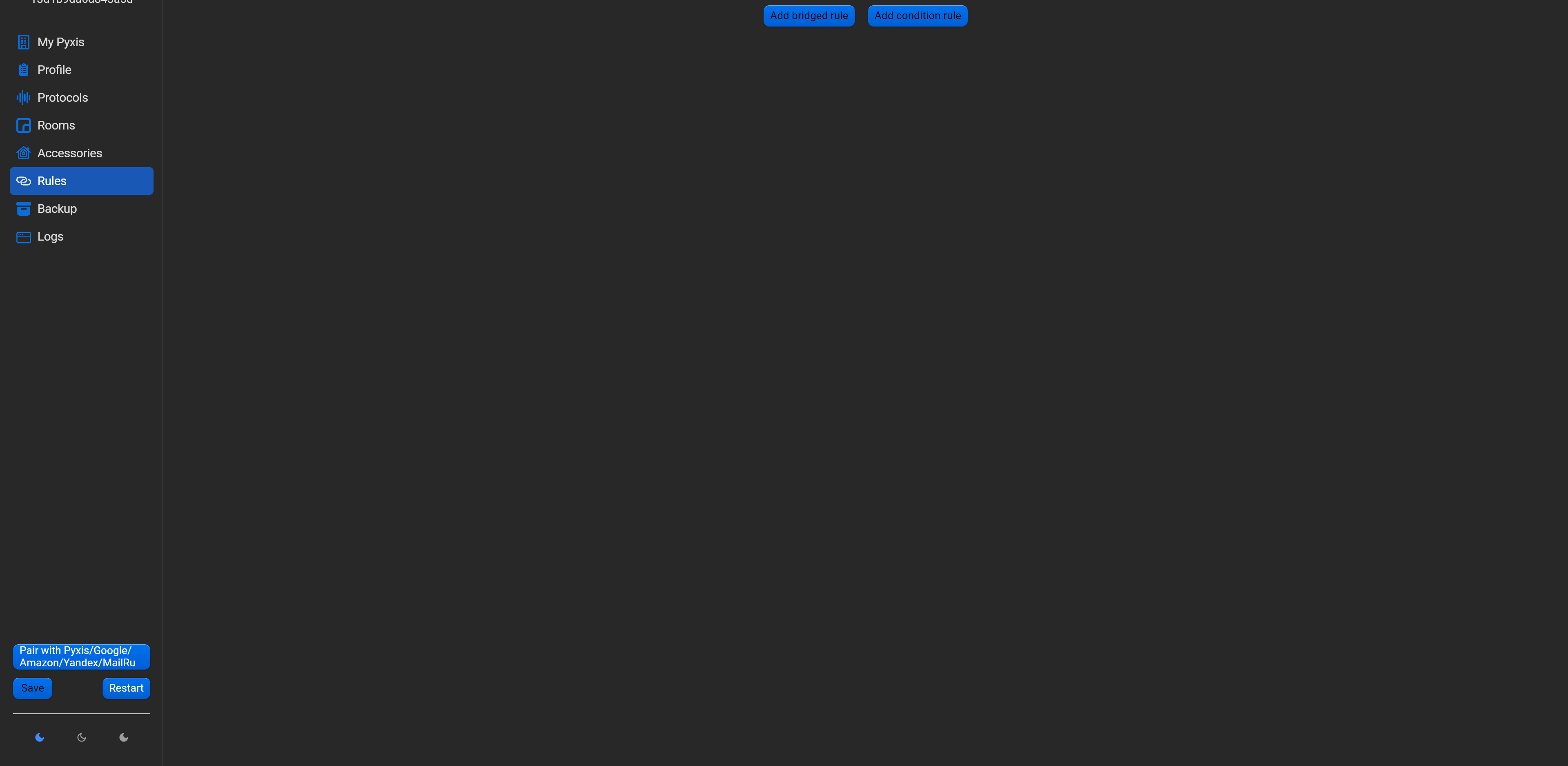
This section allow to add, edit, delete, customize rules. Find here more details.
¶ Backup
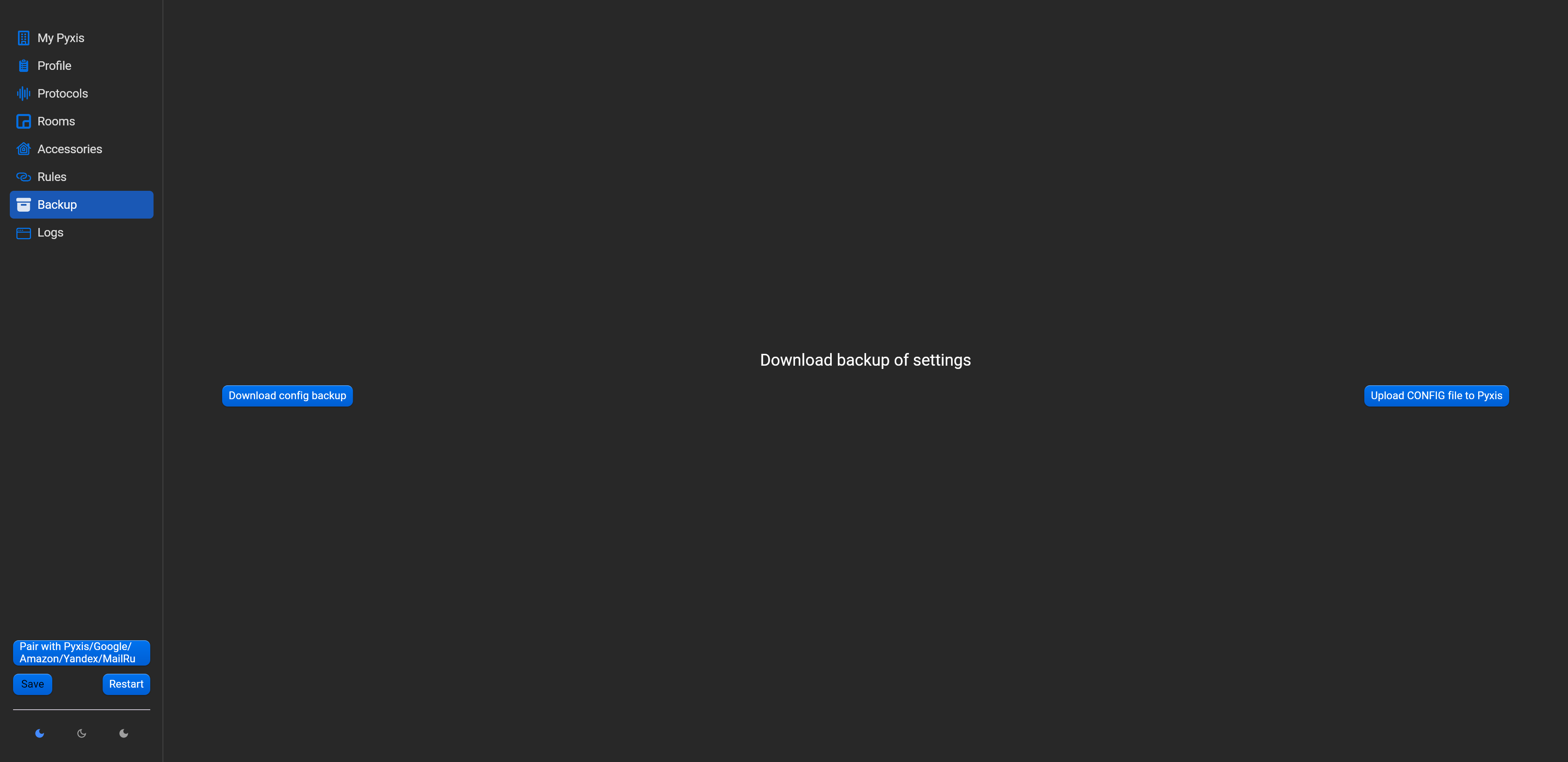
This section allow to backup all Pyxis settings (including license key) and restore settings from backup file.
If you will tap on “Download config backup” button, all settings will be saved on your PC, laptop or smartphone.
Saved backup file allow to restore all settings, just tap on “Upload config file” and choose backup file. Wait until restoration will end, save and restart Pyxis.
¶ Logs
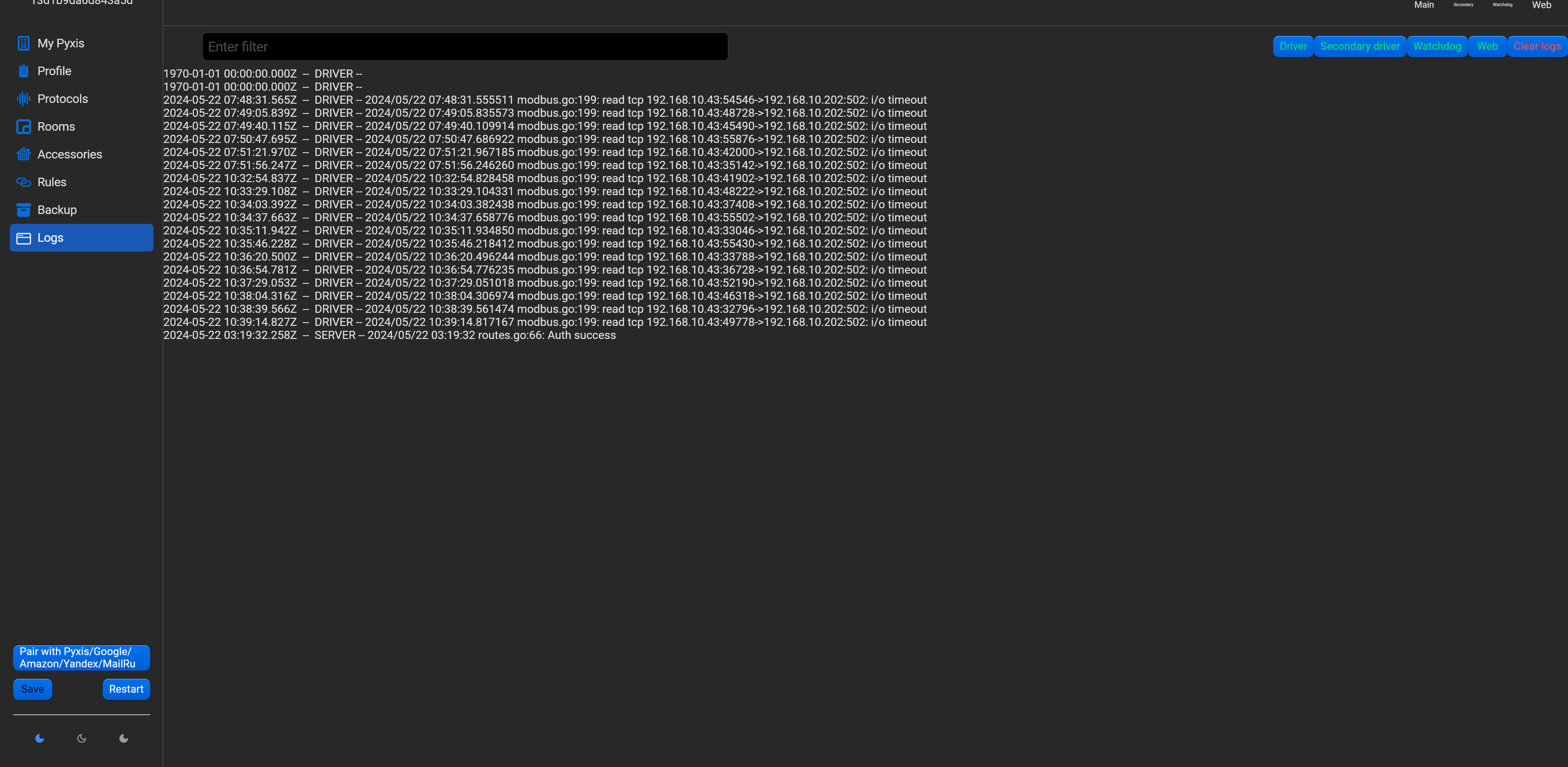
This section is for maintenance purpose and do not need for set.